
Customize Your Papelog Profile (part 1)


Customize Your Papelog Profile (part 1)

​Customizing your profile in Papelog is easy!

Let's discuss this topic in two parts. In this part we'll discuss the most basic customization that you can do to your profile.

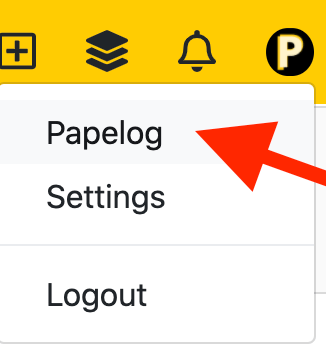
First of all, let's go to your profile page by clicking the upper right button and click your blog name


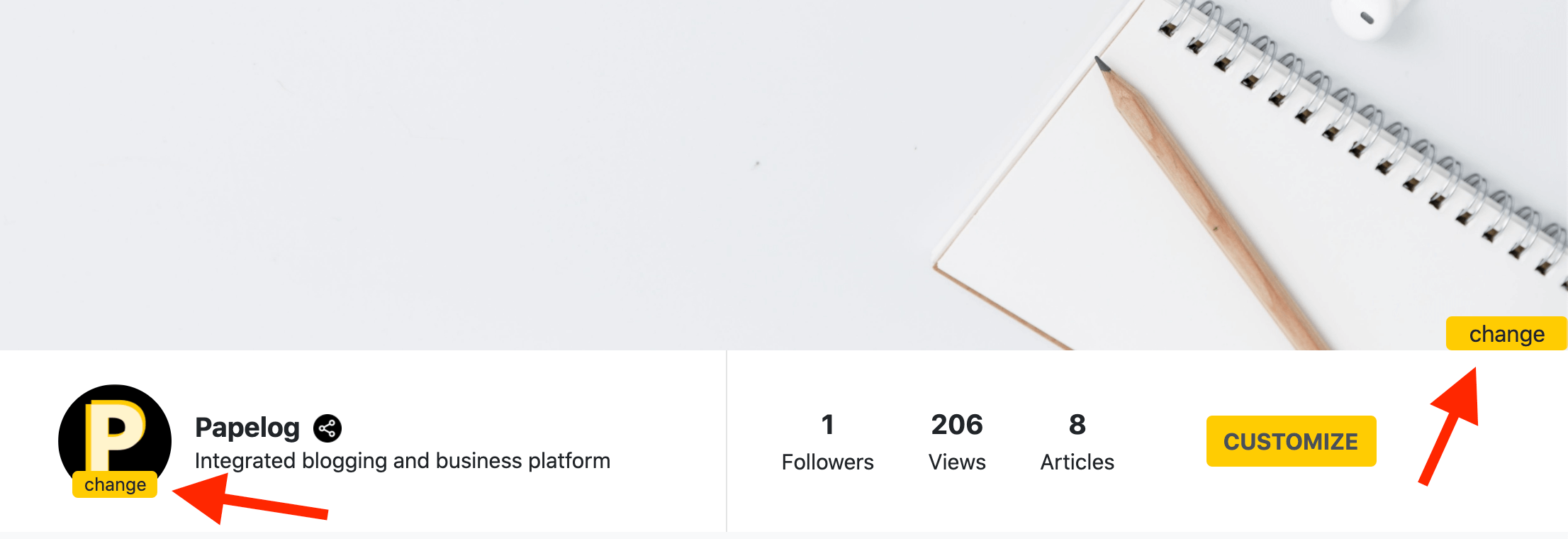
In your profile, you should see there is CUSTOMIZE button, if you click that, you should see 2 change buttons


The left side change button is to change your profile image, you can use either square or circle image for the best result.

The right side change button is to change/set your profile cover image, the recommended size for this image is 1280x240 (by default, there is no profile cover image)


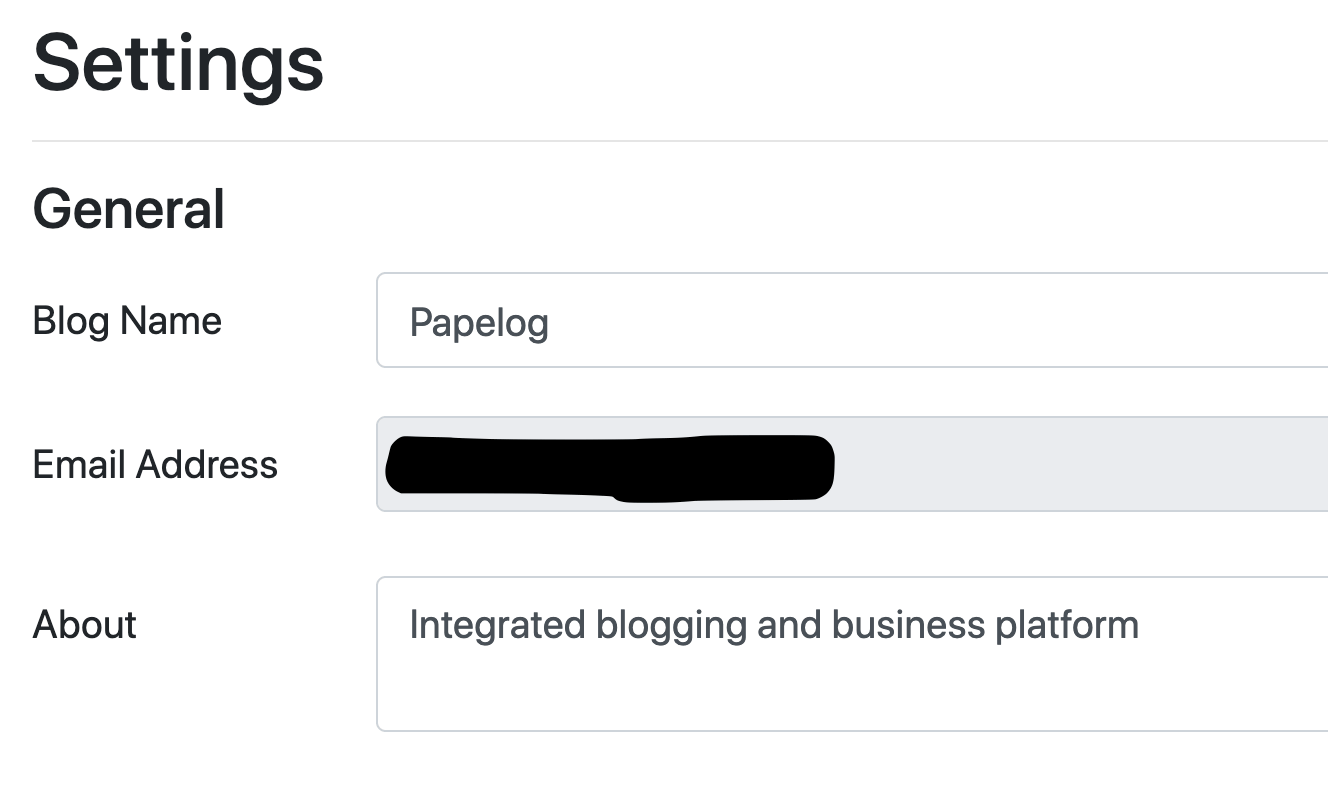
If you need to change/set your blog name or about, you can go to the Settings page and you should see the input for blog name, about, etc.


Easy, right? Customize your profile, now!


Continue to part 2.

0

SAVE  •   •  REPORT


0 Comments

Please LOGIN to comment