

How to Create Your Own Gallery


How to Create Your Own Gallery

If you notice, there is a GALLERY tab at your profile


Gallery tab can be used to store and show your images/photos. It also can be used to showcase your shots or moments.

At first, your gallery is still empty.

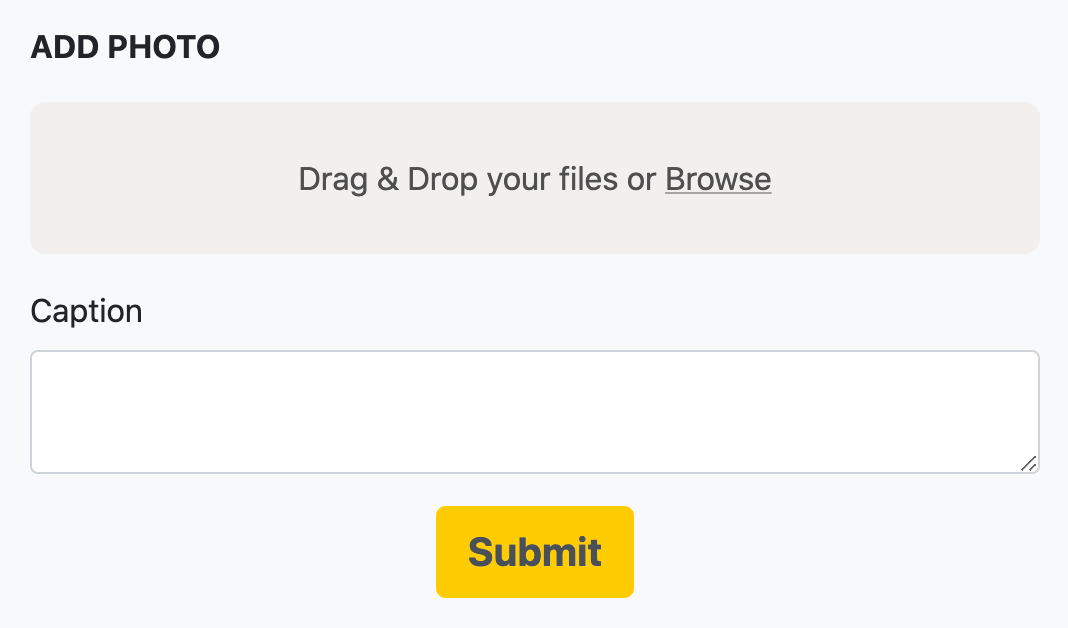
You can add photo to the gallery by clicking the ADD PHOTO button and you should see a page like this


You can drag & drop your file and write a caption/description for that photo. Click submit to submit your photo to the gallery.

Congratulations! You just created your first gallery!

If you need to change your photo or caption, just click the photo and look for pencil icon to open the edit page.

If you want to remove your photo, just click the photo and look for trash icon.


Leave a comment down below if you follow this article and we'll check your gallery!

0

SAVE  •   •  REPORT


0 Comments

Please LOGIN to comment