
Getting Started with The Papelog Editor


Getting Started with The Papelog Editor

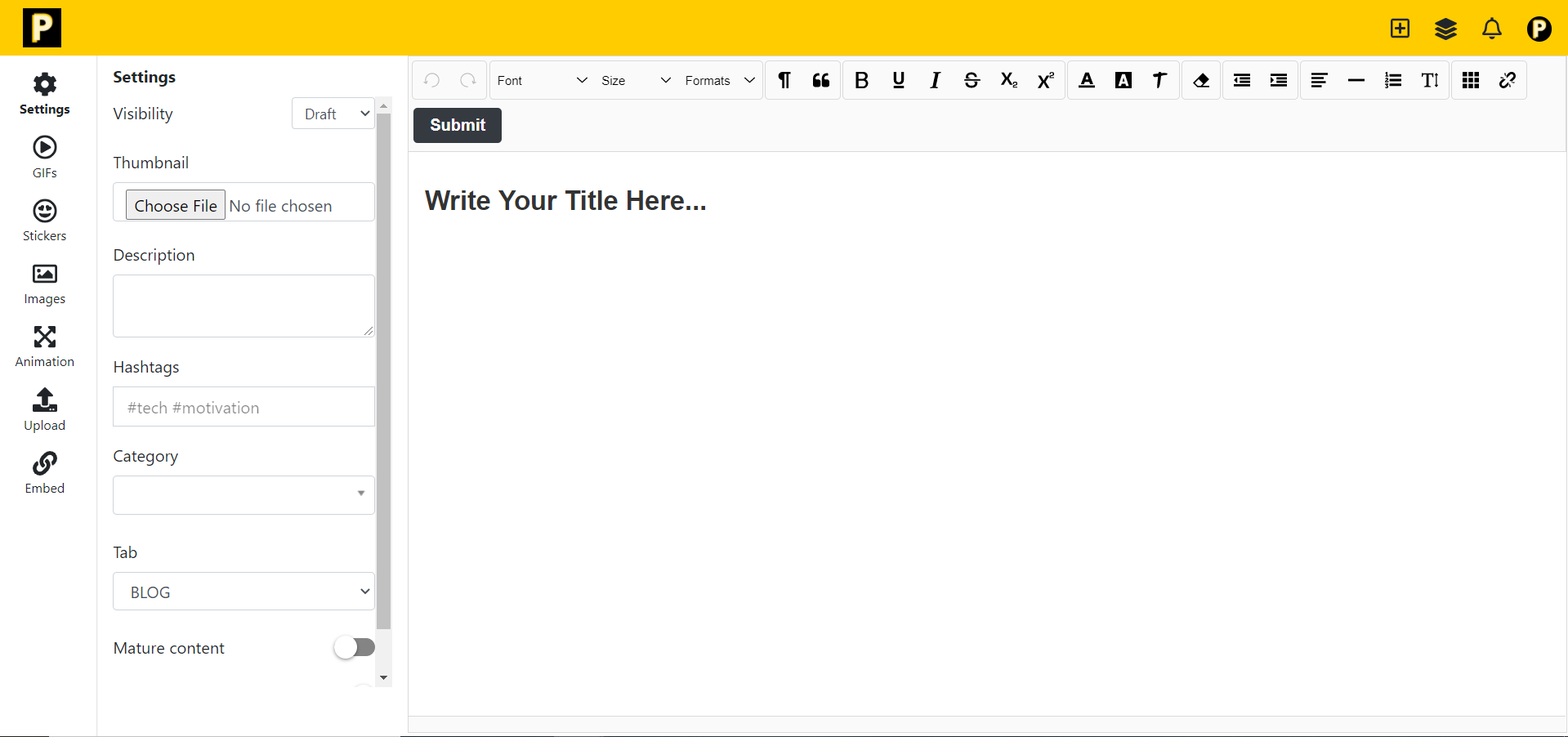
The Papelog Editor is the tool to create or edit your article. It provides many features to help you create an incredibly article.

Create New Article
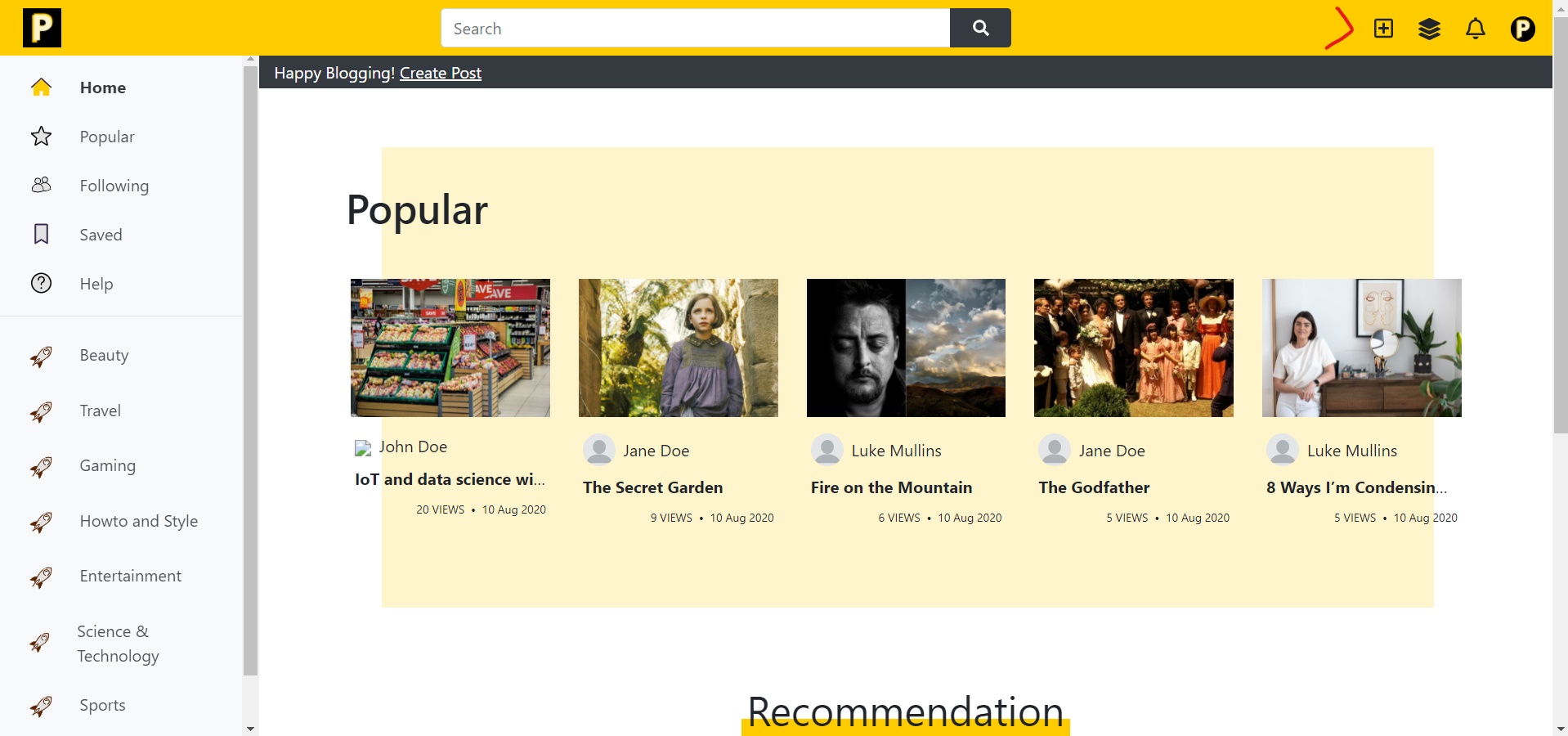
Click icon plus on the left side of The Navigation Bar to create a new article.


Papelog Editor


Start Adding Materials
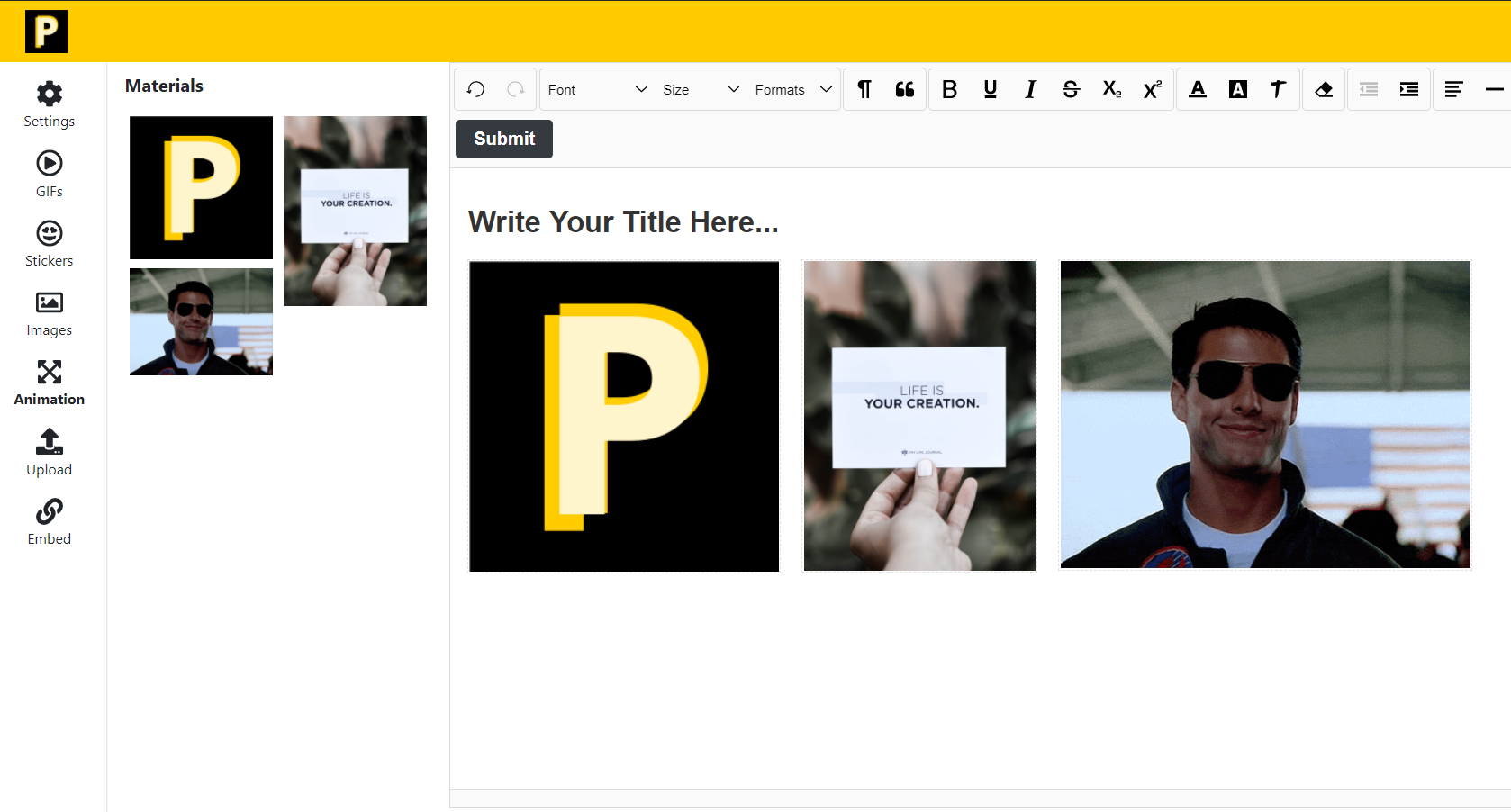
Upload your material or choose from gifs, stickers, images, animation, and embed to make your article interesting and beautiful!

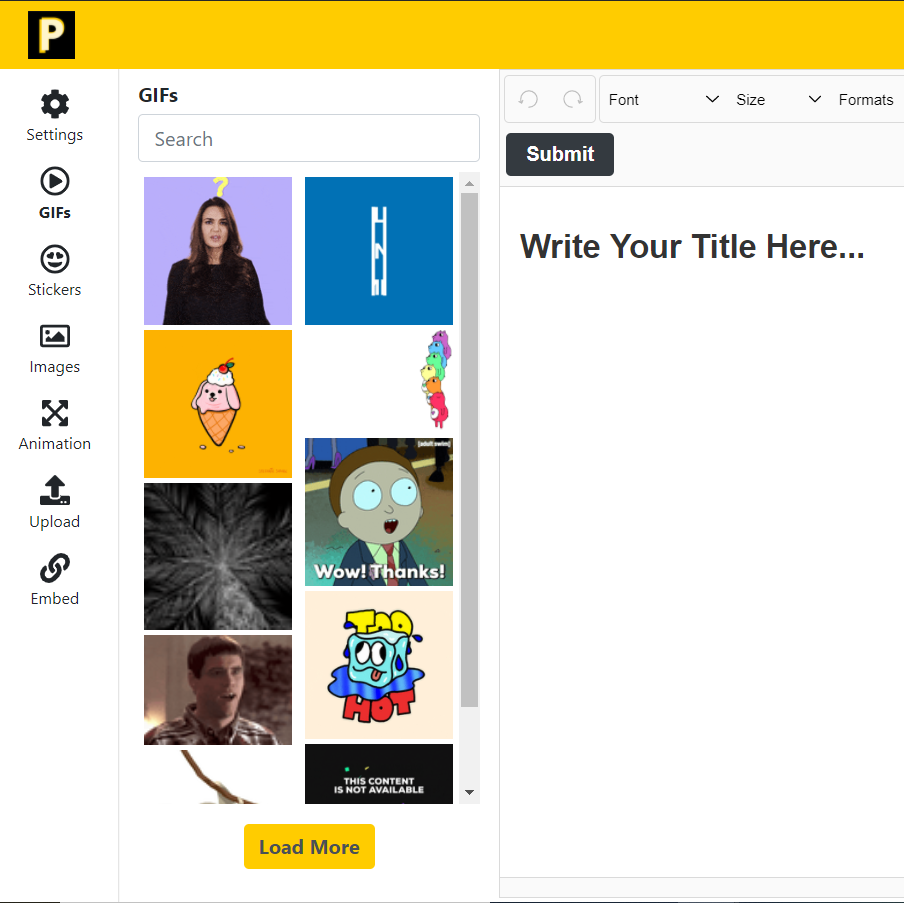
1. GIFs


Choose the GIF on the right side and click the place where do you want to insert the GIF.


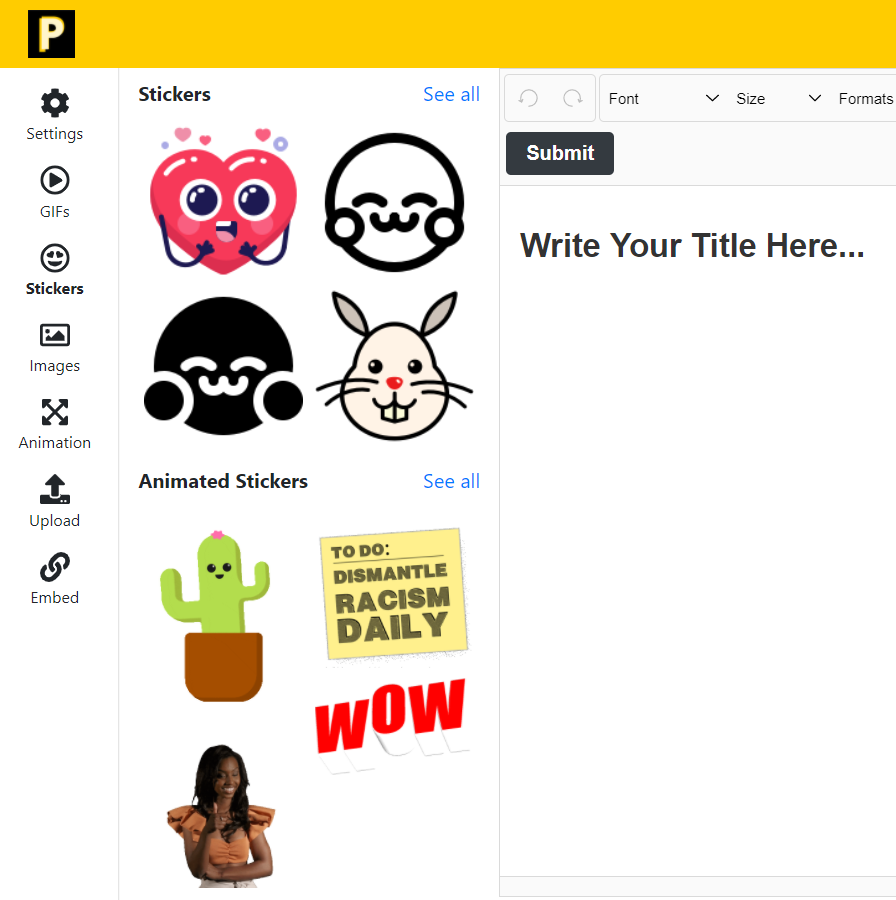
2. Stickers


Choose basic or animated sticker and insert to the place where do you want.


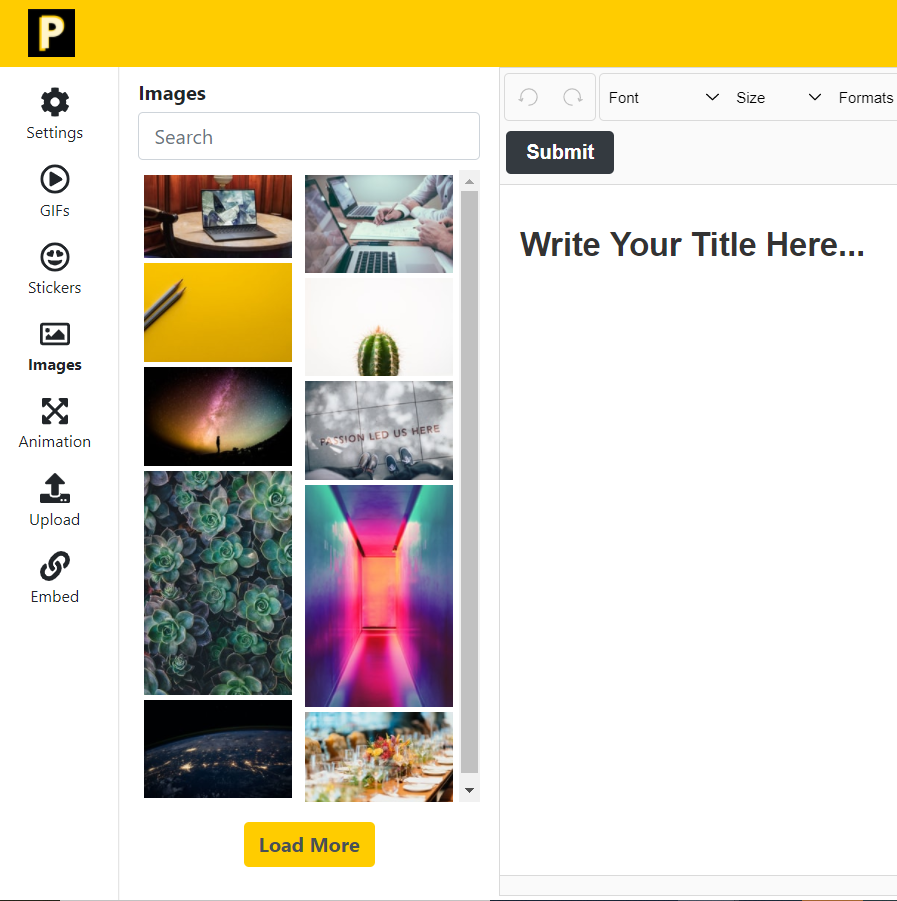
3. Images


Choose image and insert to the place where do you want.


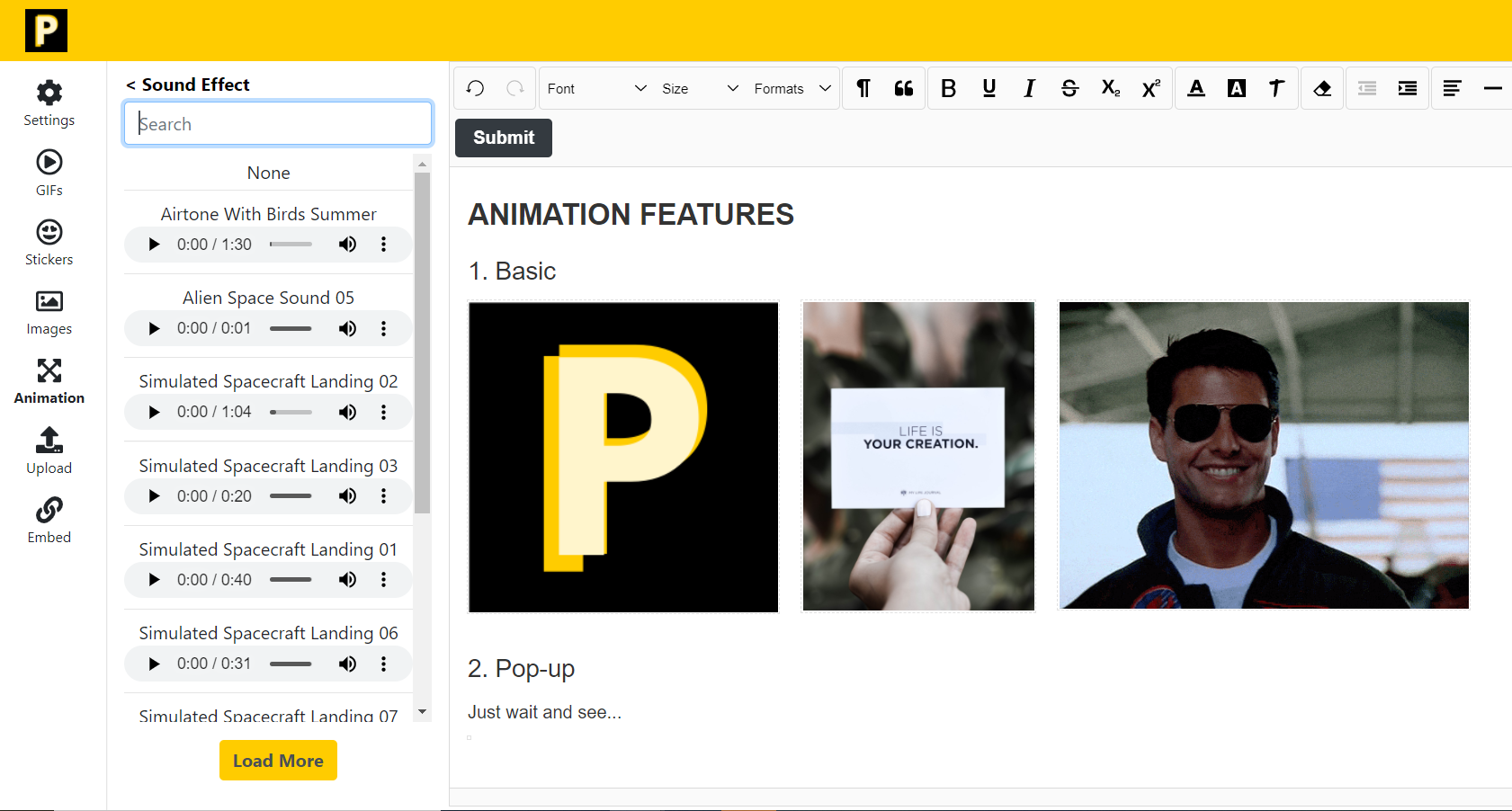
4. Animation


Select the material to add the animation.


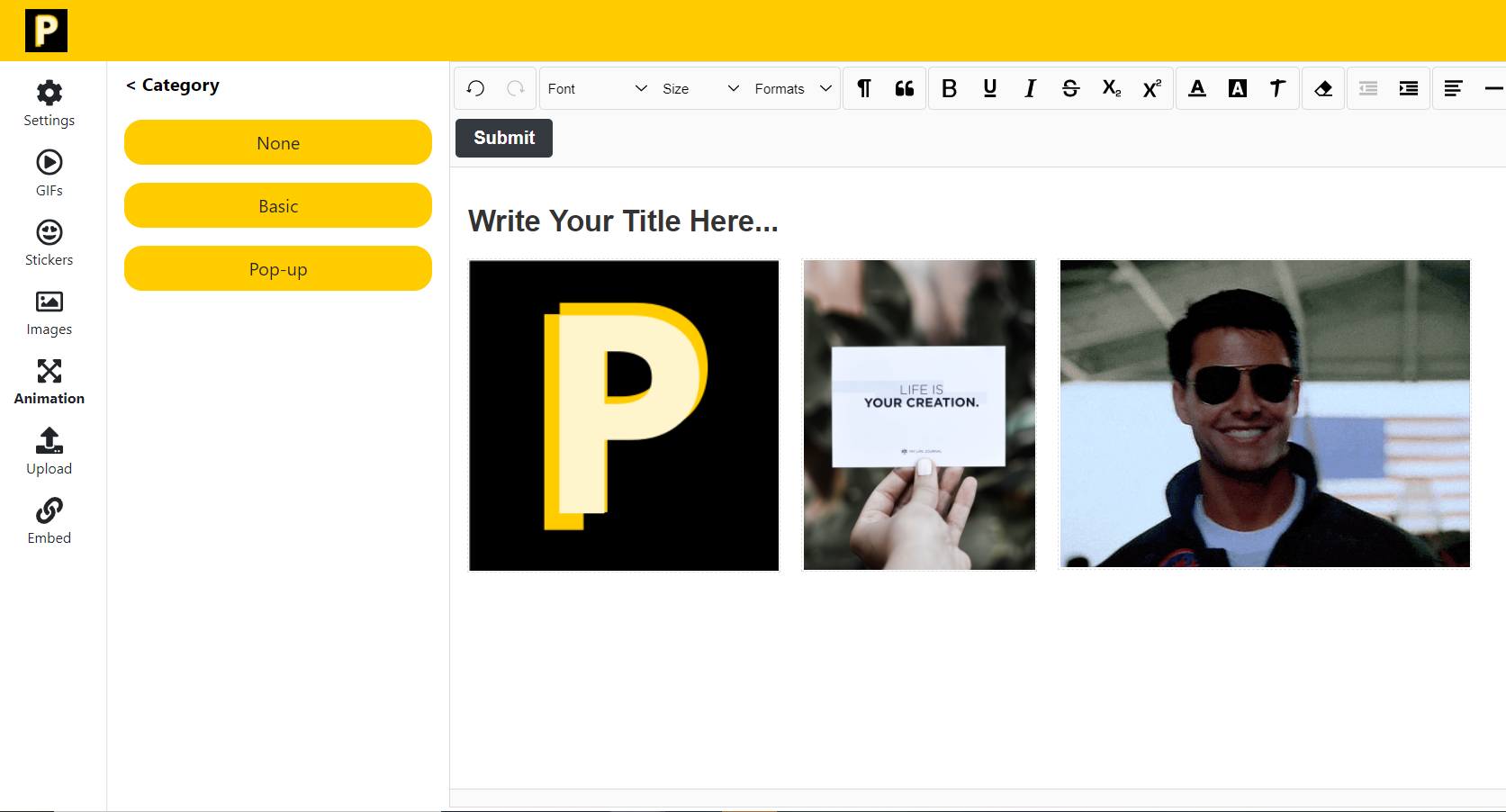
None (remove the animation of your material)

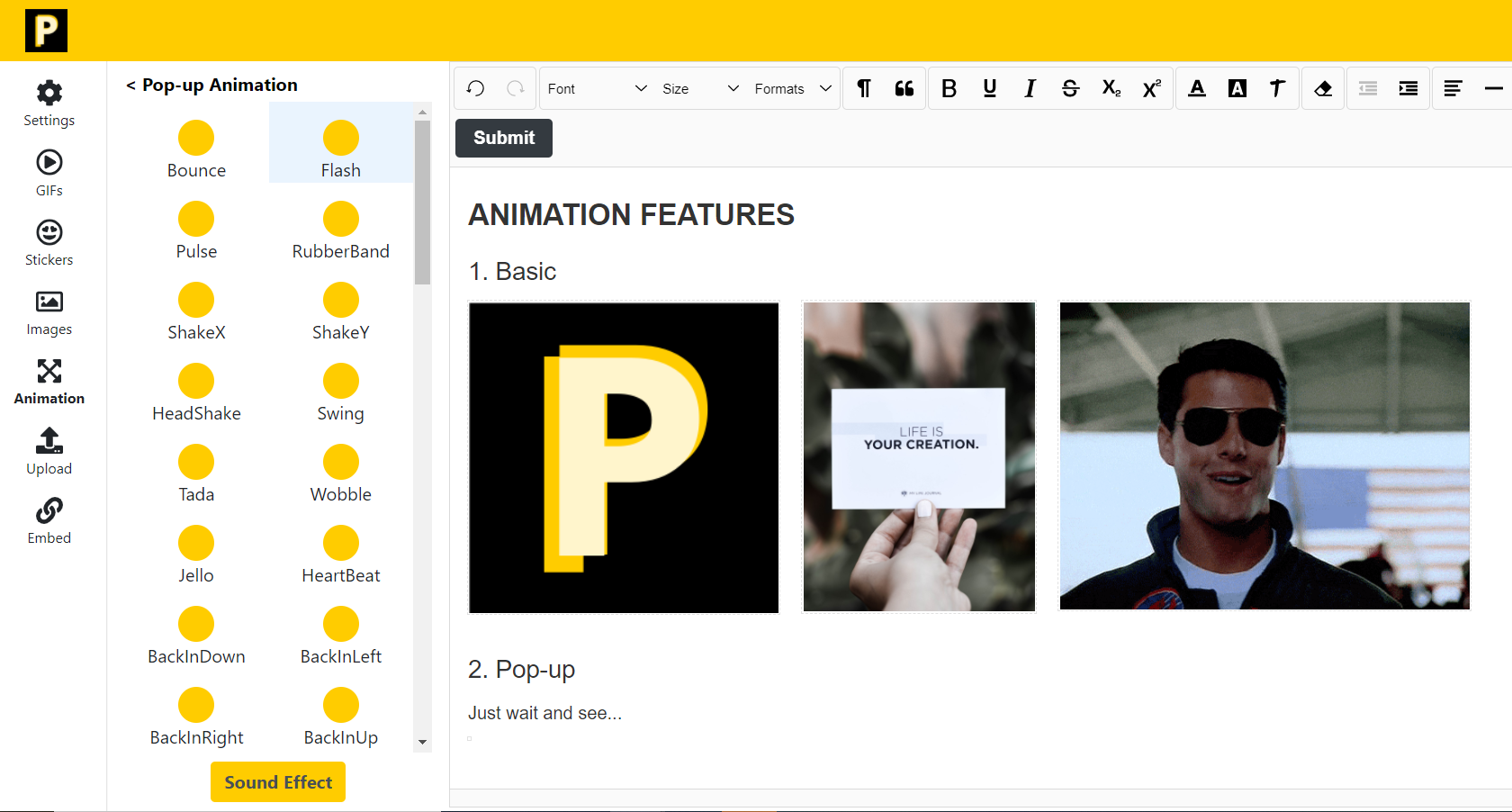
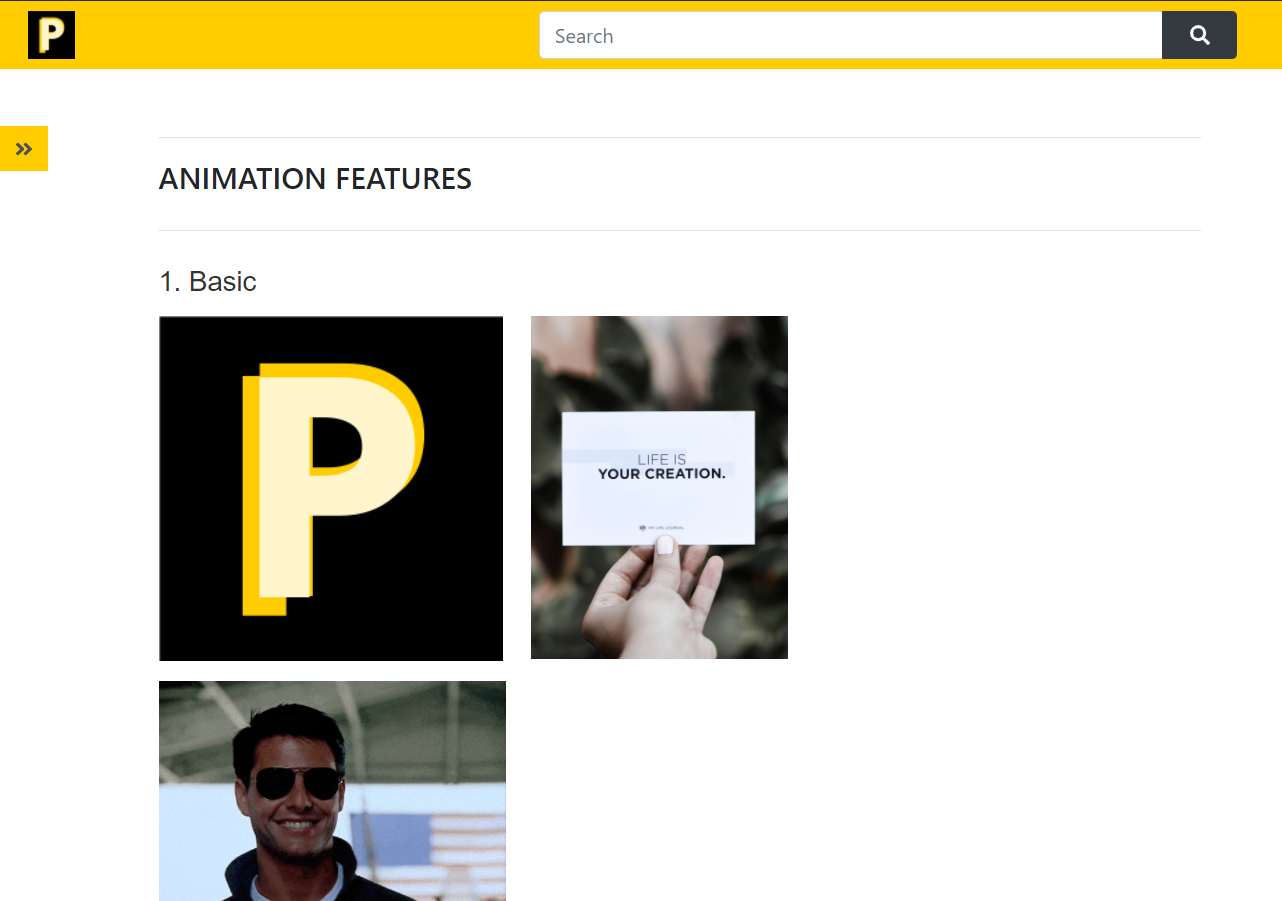
Select basic or pop-up to insert the animation.


List of basic or pop-up animation.


Add sound effect to make your material fantastic!


Click this link to check out the examples of the animation

Make Your Article More Attractive


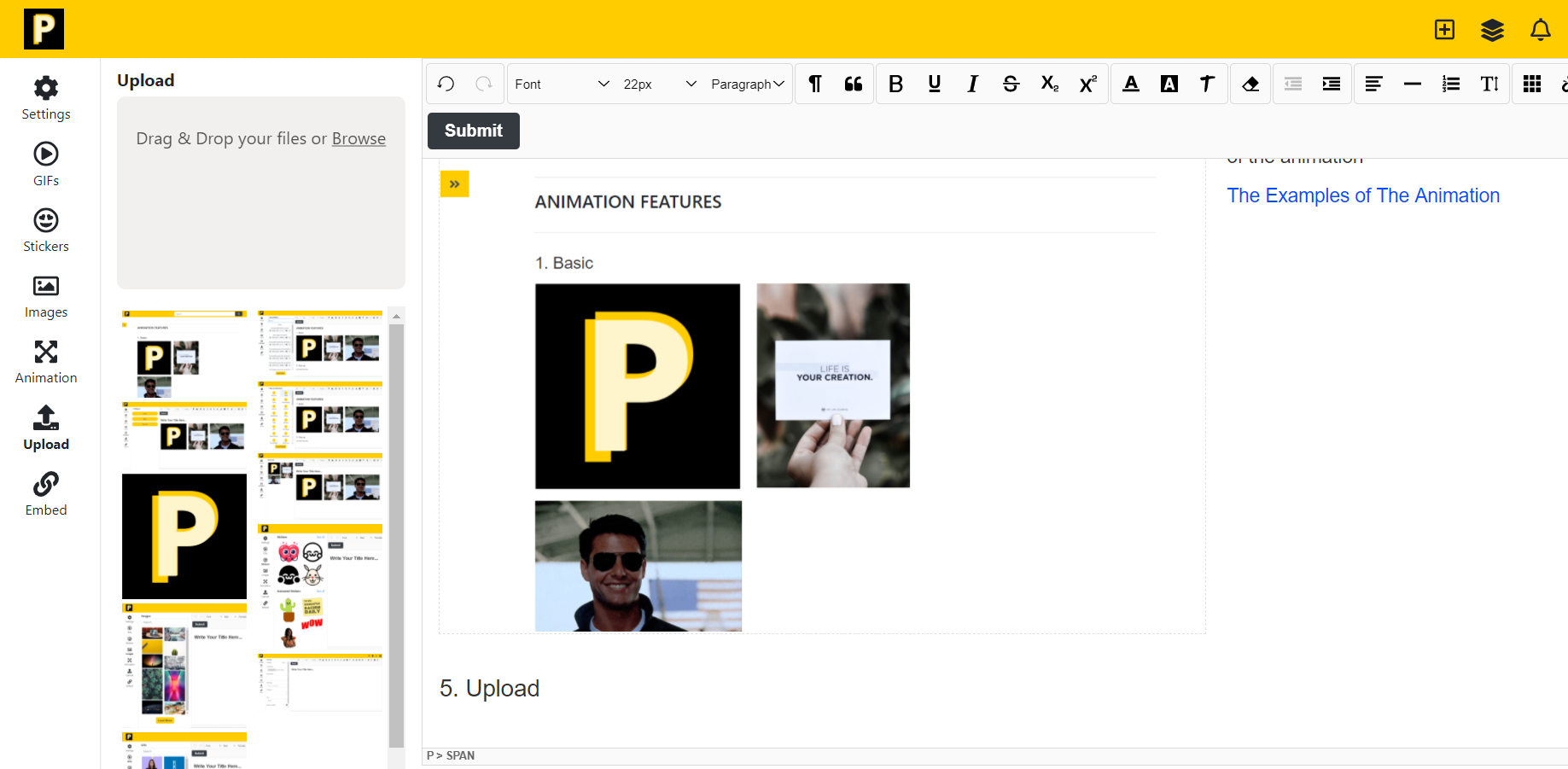
5. Upload


Drag and drop your file to the box.


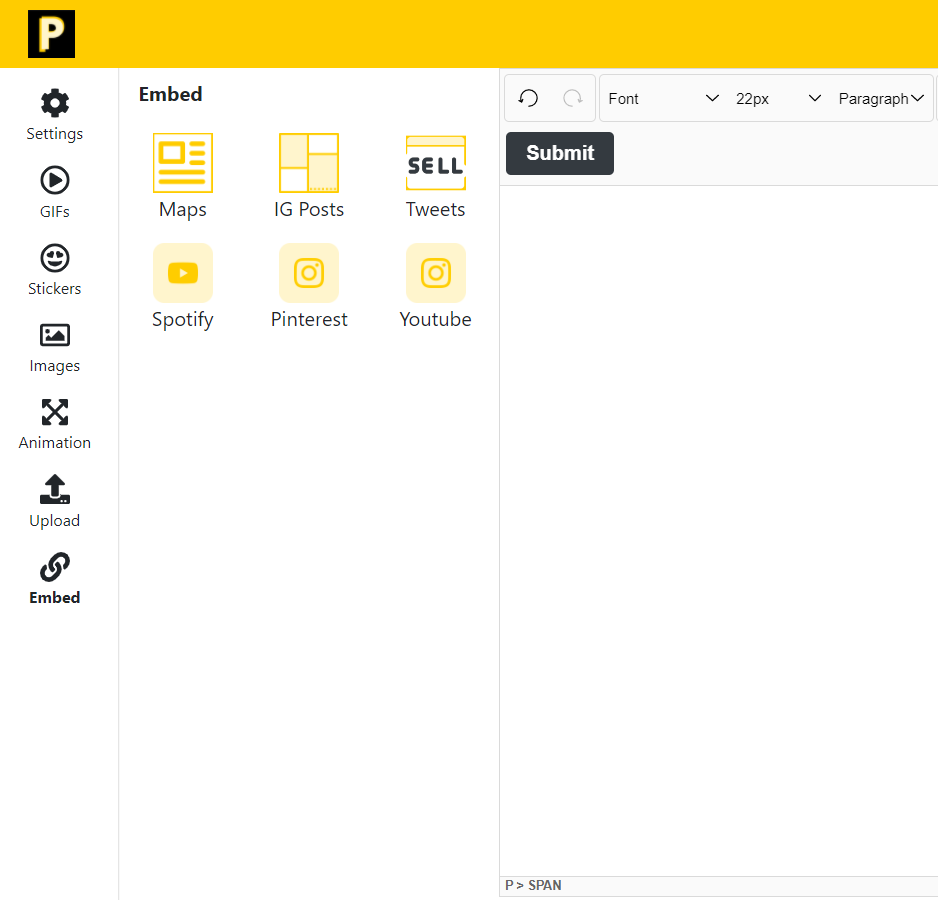
6. Embed


I hope this article can be useful for you!

Thank you!! ​


3

SAVE  •   •  REPORT


0 Comments

Please LOGIN to comment