Embed Content from Other Sites to Your Article (part 2)
Embed Content from Other Sites to Your Article (part 2)
Welcome in part 2 :)
If you haven't seen the part 1, please check it out here.
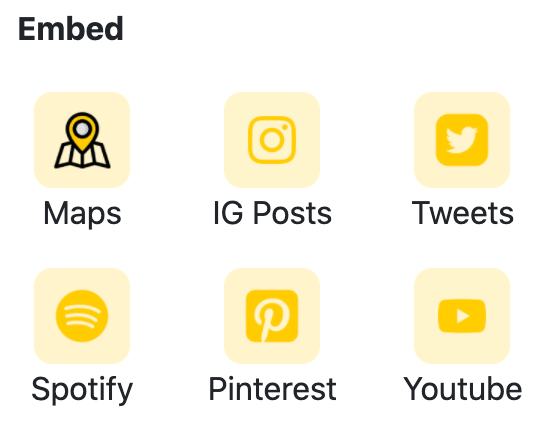
Papelog currently support 6 types of embeddable content which you can use in your article (if you need Papelog to support other sites, let us know in the comment below 🙂)
In part 1 we've show you how to embed Maps, Instagram post, and Tweets, now we'll give you the tutorial how to embed Spotify, Pinterest, and Youtube!
1. Spotify
If you use Spotify, you can use this feature to embed any song or playlist into your article.
When you click on Spotify, you'll see a popup & a form to input Spotify Link. To get the link, you can go to Spotify App or Webfor example, and then
1. search the song/playlist that you want to embed
2. look and click for Copy Playlist Link or Copy Song Link
3. paste the link to Papelog input Spotify Link, and click submit
4. Yeay, here is the result
2. Pinterest
When you click on Pinterest, you'll see a popup & a form to input Pinterest Link. The steps is easy
1. choose any pin on Pinterest and copy the link
2. paste to Papelog input Pinterest Link, and click submit
3. Voila, here is the result
3. Youtube
When you click on Youtube, you'll see a popup & a form to inputYoutube Video Link. The steps is easy
1. open Youtube, choose any video, and copy the link
2. paste to Papelog input Youtube Video Link, and click submit
3. Done, here is the result
That's all! Now, you can make your article more fun and interesting with Embed feature!

.png)
1.jpg)
1.jpg)


1.jpg)